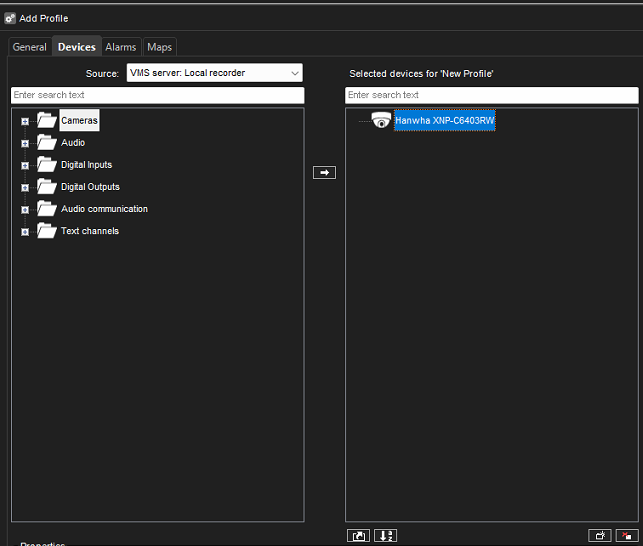
A profile determines which cameras or devices the end customer sees in the Spotter software.
It is essential that the customer’s profile includes only the necessary components.
-
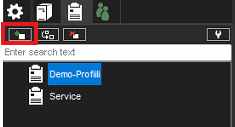
Go to System Manager > Profiles
-
Select Add profile
-
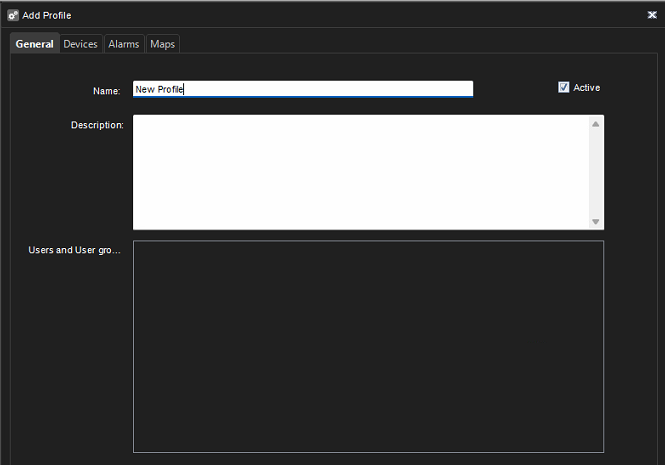
Enter a profile name
-
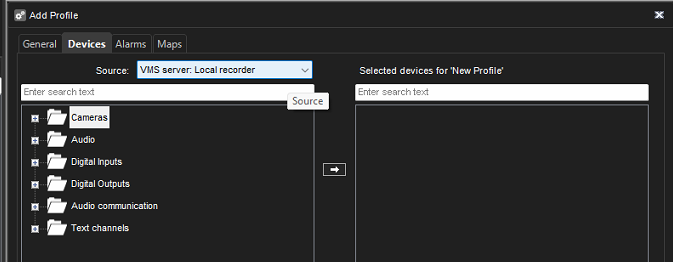
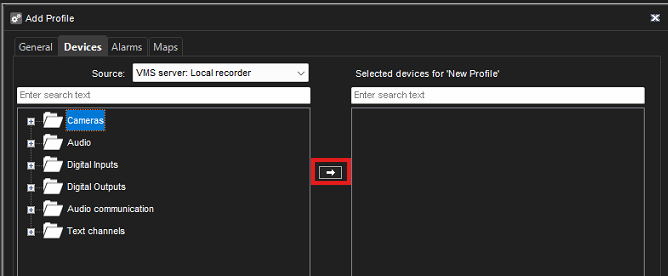
Go to the Devices tab
-
Set the source to VMS server: Local recorder
-
Select the Cameras folder and click the Add button
-
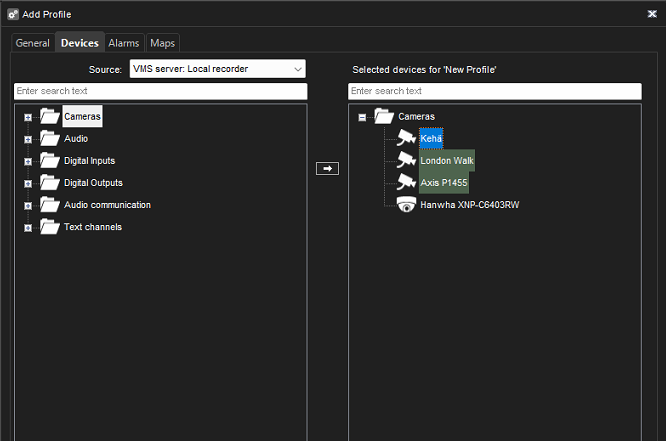
In the "Selected Devices" list, select the cameras that are not connected to the system
-
Confirm changes by clicking OK