
-
Go to VMS Servers > Hardware
-
Select a camera from the list
-
Set the name, resolution, and record rate
-
Click OK to confirm the changes
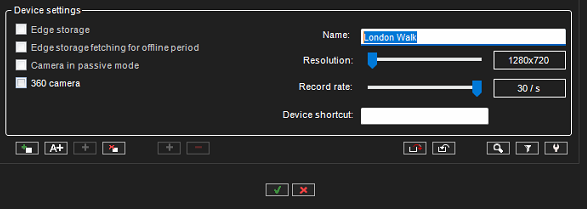
You can also change the camera name, resolution, and record rate from the following location:
System Manager > VMS Servers > Cameras > Streams