-
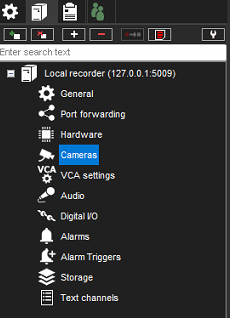
Go to System Manager > VMS Servers > Cameras
-
Select a camera from the list
-
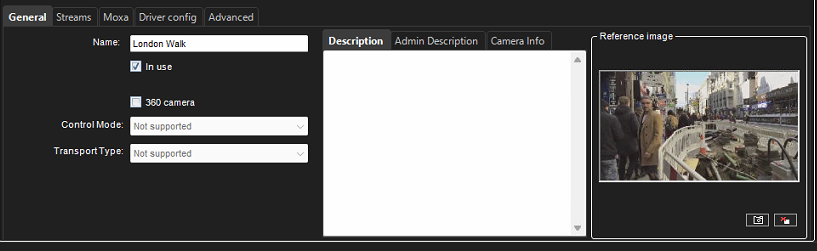
Verify that a reference image is received from the camera
-
Perform this procedure for all cameras

Go to System Manager > VMS Servers > Cameras
Select a camera from the list
Verify that a reference image is received from the camera
Perform this procedure for all cameras