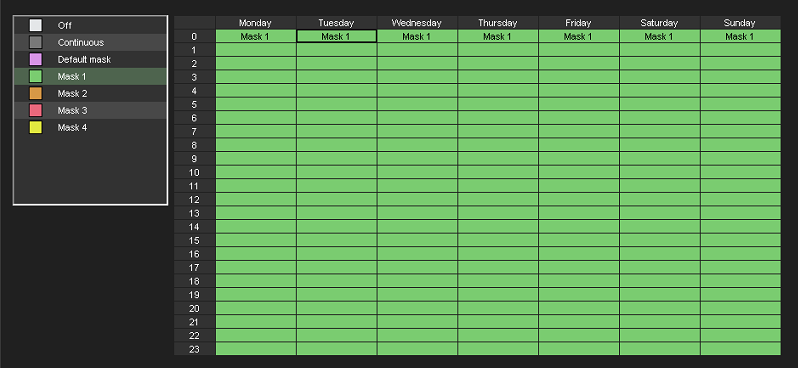
Once the motion detection settings are configured, go to the Timer tab.
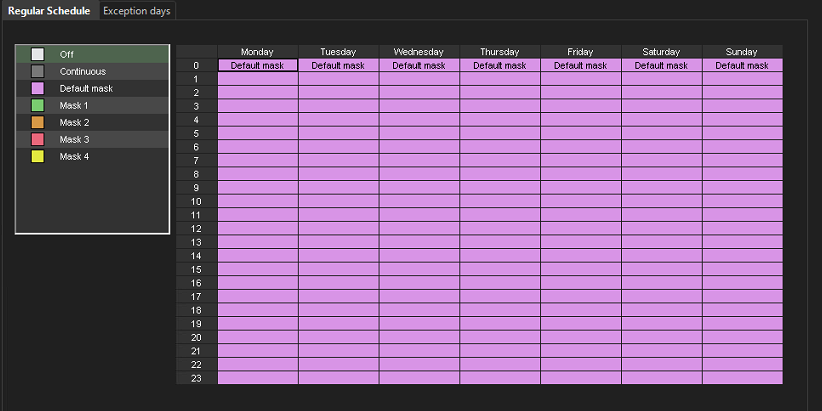
By default, the Mirasys VMS software uses the default mask for all cameras, meaning that motion anywhere in the frame triggers recording.
-
Select a camera
-
Select Mask 1 (previously edited mask)
-
Select the top-left corner (select the entire week) by clicking the left mouse button
-
You can also select the specific day and time by holding down the left mouse button
-
Confirm the change by clicking OK in the bottom corner
-
Repeat these steps for each camera that needs adjustment