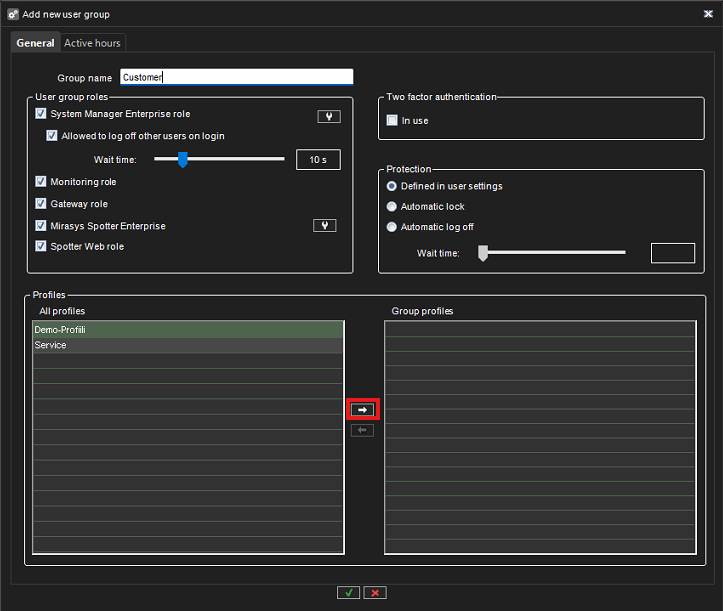
The user group determines which applications the end user is authorized to use.
-
Go to System Manager > Users and user groups
-
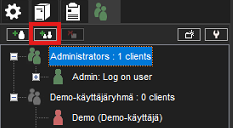
Select Add User Group
-
Give a name for the group
-
Remove from user roles
-
System Manager Enterprise role (Login to System Manager and full administration)
-
Monitoring role (Login to System Manager and system monitoring)
-
-
Select the previously created profile from the All Profiles menu and click Select Profile for User Group
-
Confirm changes by clicking OK