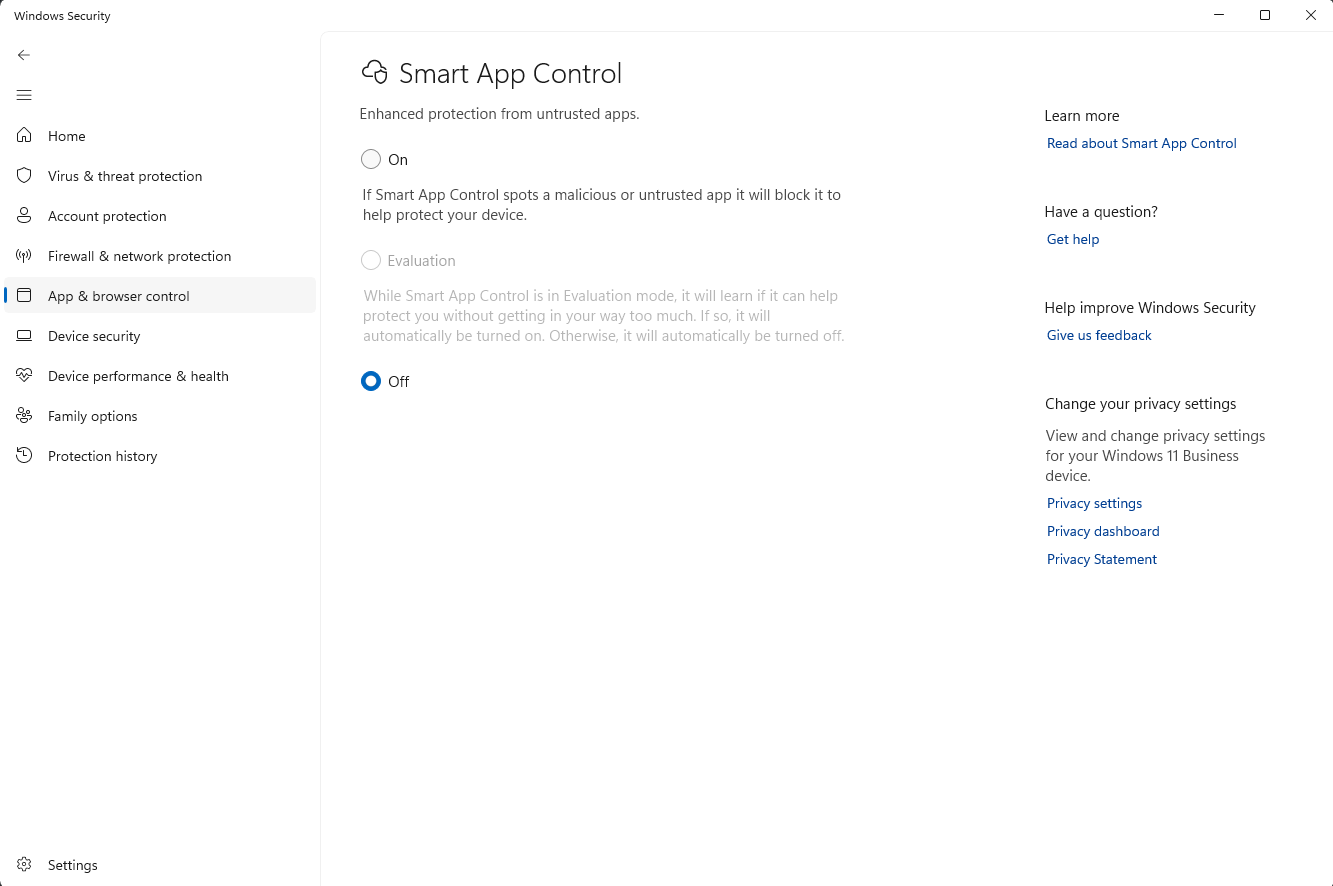
In some cases, problems with installing or running the VMS may be caused by Windows Defender Smart App Control. It can block the VMS when using an operating system other than Windows 11 or Server IoT builds. To fix the issue, this Windows feature needs to be disabled.
Type “Smart App Control” in the Windows search bar and click Smart App Control (the suggested search result). In the settings view, select Off to disable the Smart App Control feature. You can also access these settings through the following path: Windows Security > App & browser control > Smart App Control settings.