Backup system settings to be able to restore them if the hard disk that contains the settings fails:
-
You can back up system settings and server settings.
-
System settings contain data about the servers, profiles, and user accounts.
-
VMS Server settings contain data about the devices connected to the servers and their parameters.
-
You can save the backup copy to a hard disk, network drive, CD/DVD, floppy disk, or another removable or non-removable device.
-
Backup files have the file extension “.vbk”.
How to backup settings
-
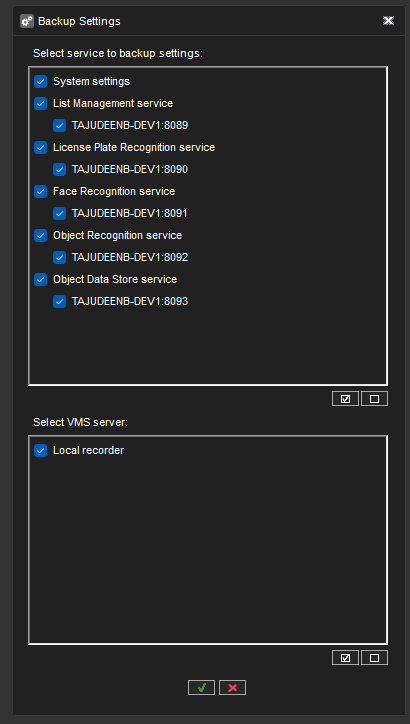
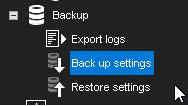
On the System tab, open Backup settings. The Backup settings dialogue box is shown.
-
Select the system and server-specific settings that you want to back up and click OK.
-
Select the storage device and the folder where you want to save the backup file. To create a new folder, click the New folder button.
-
Type a name for the file and a description and click OK. The description is optional. The system creates the backup file.