-
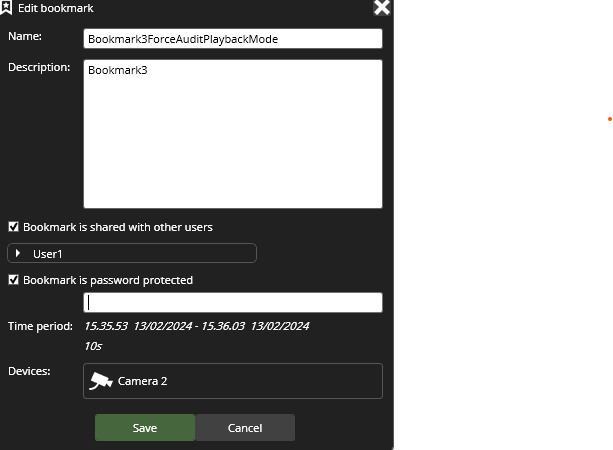
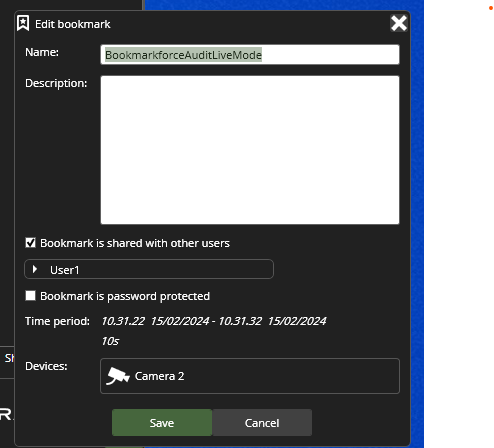
Once a bookmark is created, edit bookmark and fill the bookmark data and you can share it with selected users by clicking the Bookmark is shared with other users
-
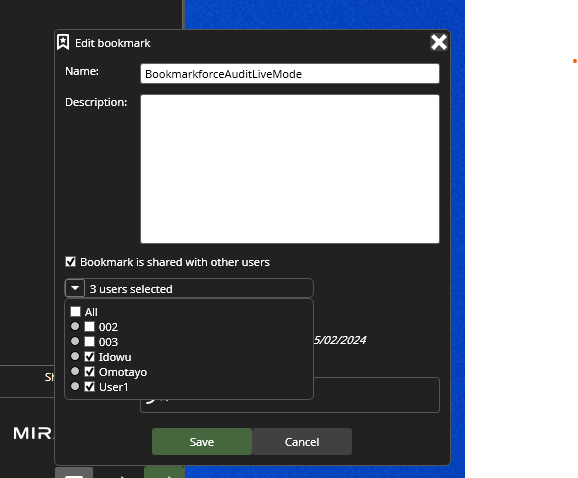
By default, bookmark is shared with all users. To select or deselect the bookmark from being shared with specific users, click the drop-down button.
-
There is also an option to add password protection to a shared bookmark by enabling the check box Bookmark is password protected.